Dispatch
Firmware downloads
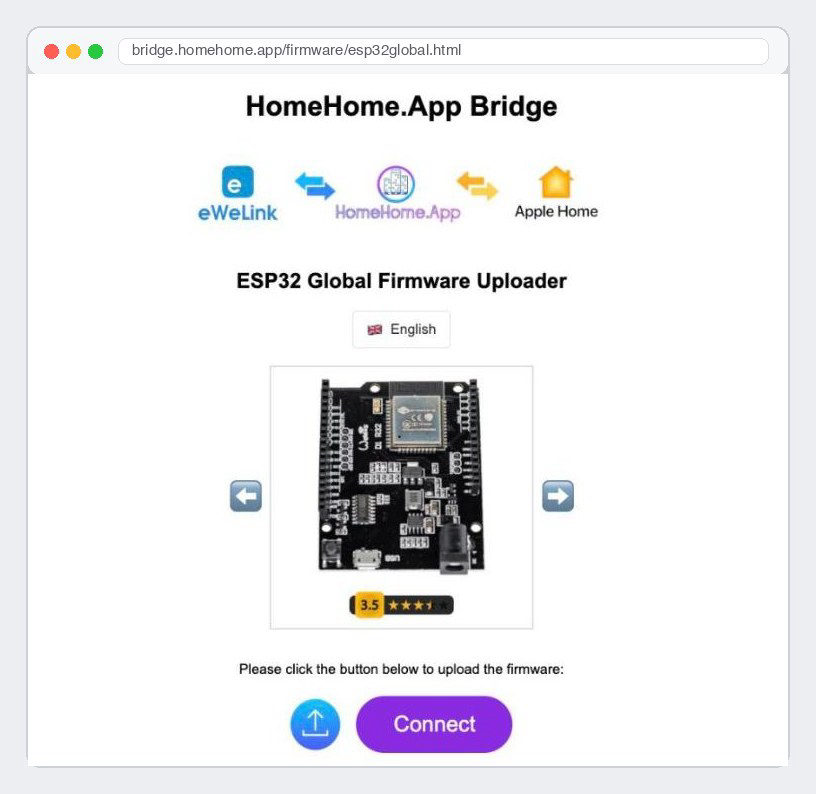
Our firmware is free. You install it on your own board in about 2 minutes, with Chrome or Edge and a USB cable. Nothing to download or install on your computer.
1. Find your flasher
Pick the line that matches your project and open its flasher in Chrome or Edge.
Bridge – eWeLink / Sonoff devices in Apple Home
Boards: ESP32 DOIT DevKit, Wemos D1 R32 or Wemos D1 Mini ESP32. All three use the same firmware.
Open the ESP32 Global flasher →
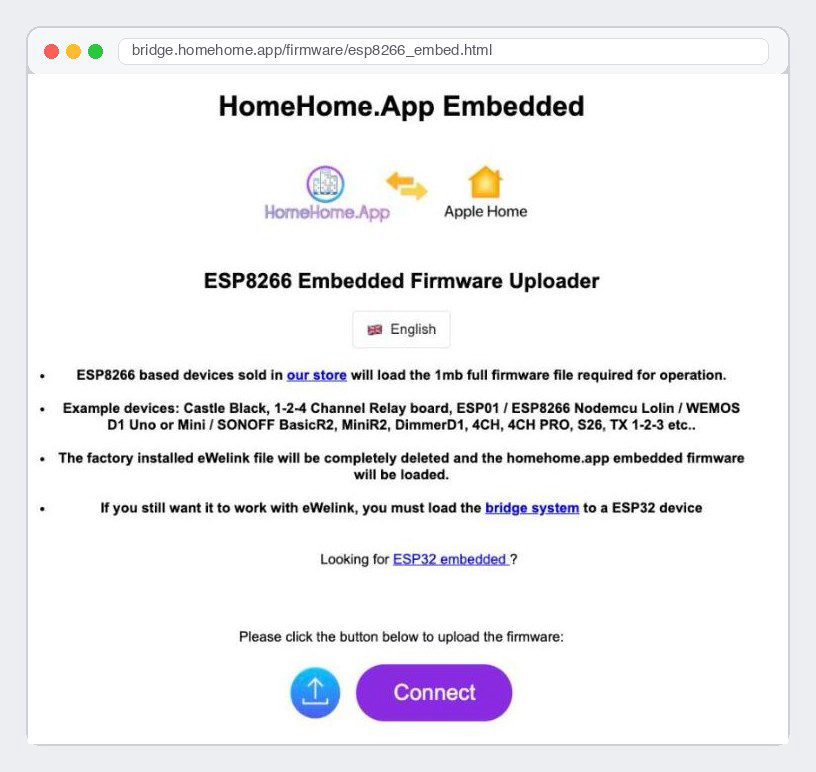
NodeMCU relay switch, roller shutter or Castle Black alarm
Board: NodeMCU LoLin V3 (ESP8266).
Water Level Control
Board: ESP32 DOIT DevKit.
2. Install it
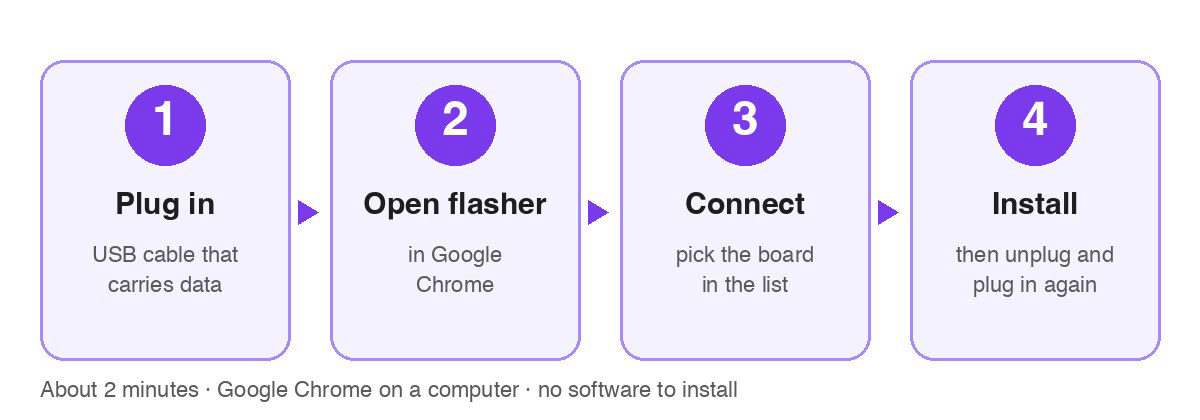
Plug in. Connect the board to your computer with a USB cable that carries data. Some cables only charge – if nothing happens, try another cable.
Open the flasher for your board (above) in Chrome or Edge.
Click Connect and pick your board in the list that pops up.
Click Install. When it says done, unplug the board and plug it in again.
Done. The board now starts its own setup Wi-Fi: HomeHome-XXXXXX (or HomeHome.App for the Bridge), password homehome. Join it from your phone to connect the board to your home Wi-Fi.
3. Add it to Apple Home
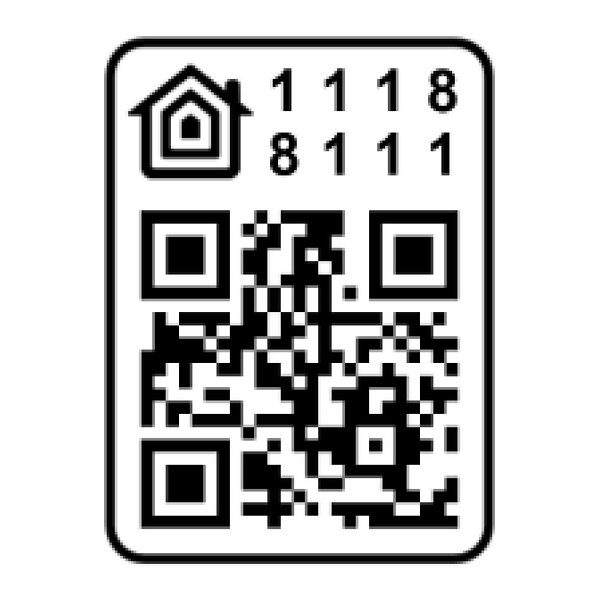
Open the Home app, tap + and scan this code, or type it in: 111-88-111.
Which board do I have?
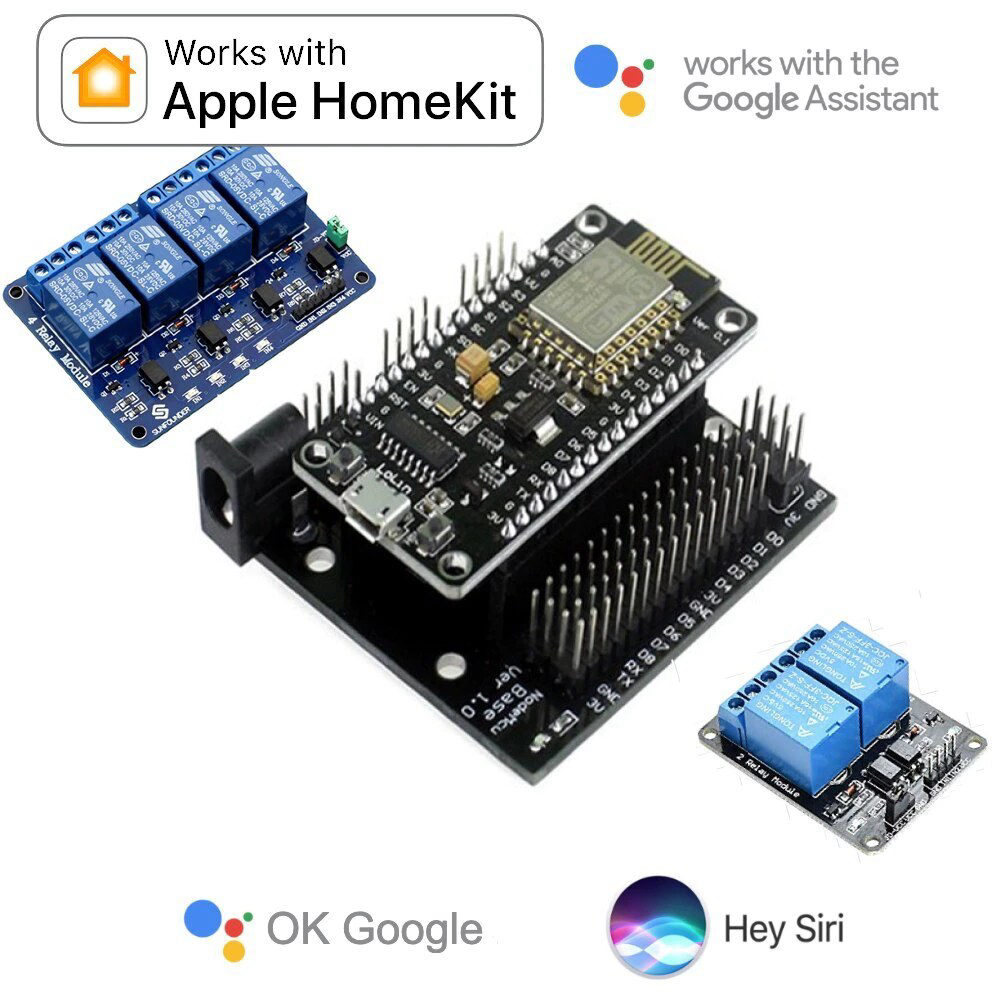
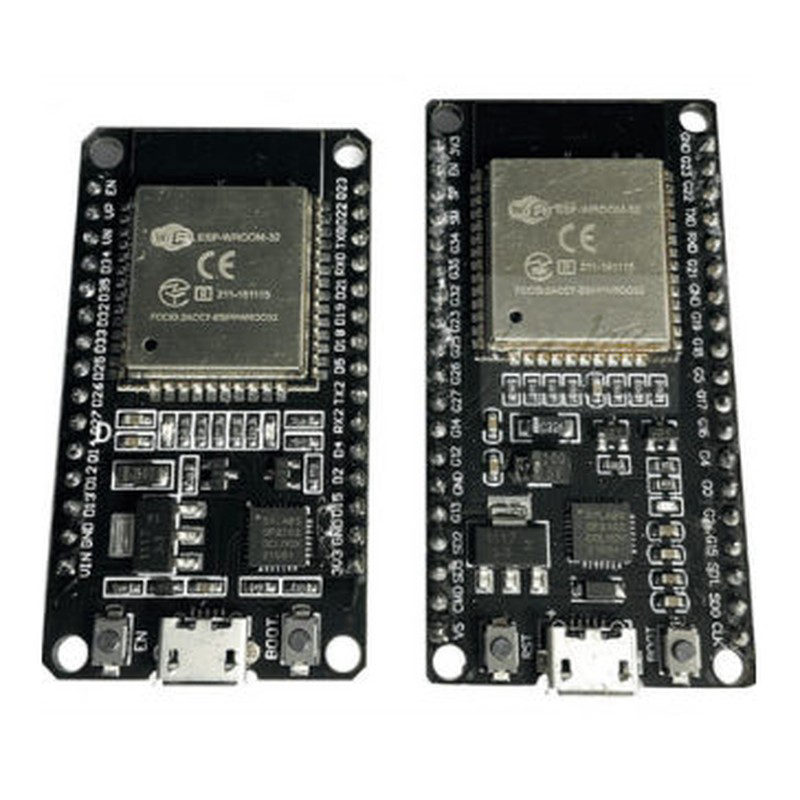
ESP32 DOIT DevKit – long and thin, 30 or 36 pins. Works with the Bridge and Water Level Control.
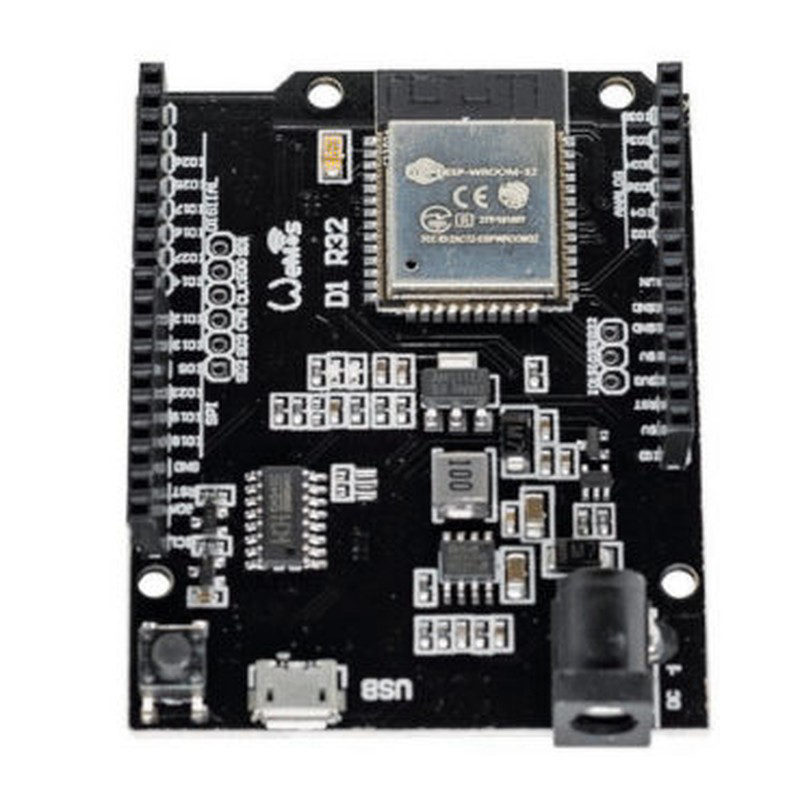
Wemos D1 R32 – Arduino UNO size, with a 12 V DC jack. Works with the Bridge.
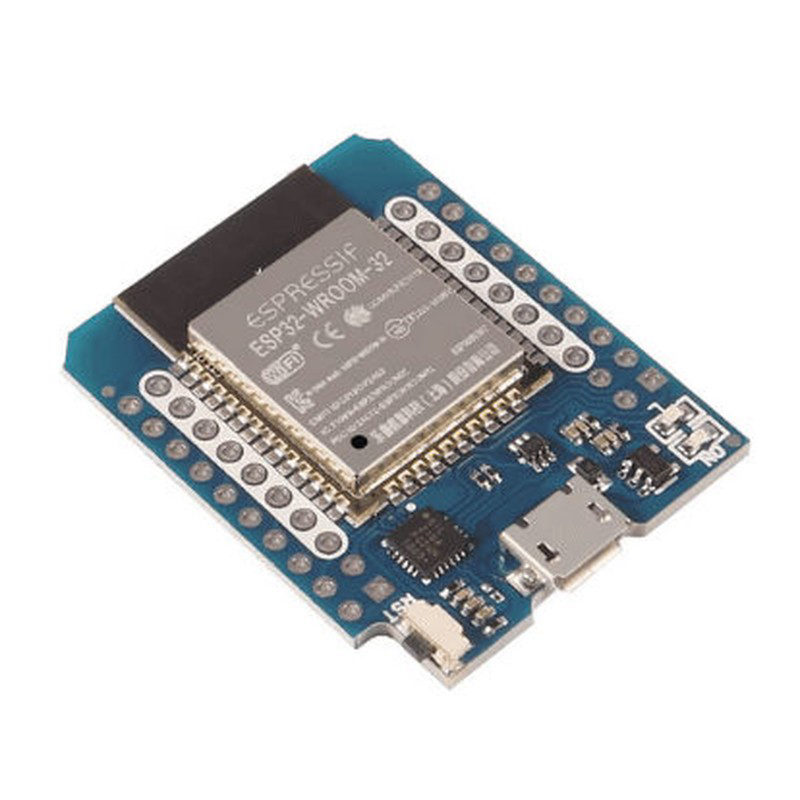
Wemos D1 Mini ESP32 – the smallest one. Works with the Bridge.
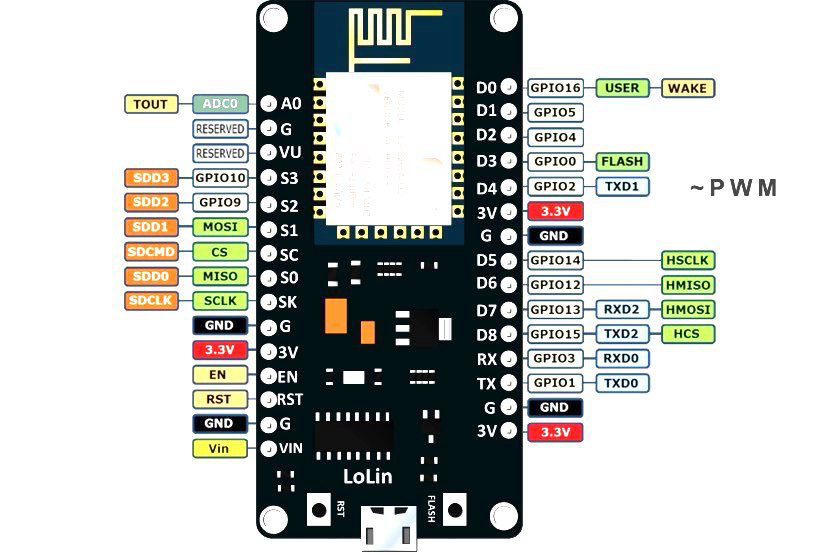
NodeMCU LoLin V3 – ESP8266 board. Works as a relay switch, roller shutter or Castle Black alarm.
Something not working?
The board is not in the list. Try another USB cable or port. Still nothing? Install the USB driver for your board: CP210x or CH340 (the chip name is printed near the USB port).
It stays on "Connecting…". Hold the BOOT (or FLASH) button on the board while it connects, then let go.
The setup Wi-Fi does not appear. Unplug the board, wait 5 seconds and plug it in again.
Updates
You only flash once. Later updates install over Wi-Fi: type the device's IP address into a browser and install the update from its page.
For makers: firmware files
Only if you flash with your own tools:
homehome.bin – ESP8266, full flash (1 MB)
esp32-full.bin – ESP32, full flash (4 MB)
esp32-update.bin – ESP32 update, upload it on the device page
nspanel.tft.zip – screen update for M5 SwitchMan; unzip it and upload on the device page
What next?
Start here – the whole journey in 4 steps
Bridge – eWeLink / Sonoff devices in Apple Home
Maker Credits – every device needs them to run
Questions? WhatsApp +44 7367 846094 – call or send a message. Email info@homehome.app.
More to read
Keep reading. The bench is still warm.
More notes on flashing, wiring and what we learned the slow way.
Firmware downloads
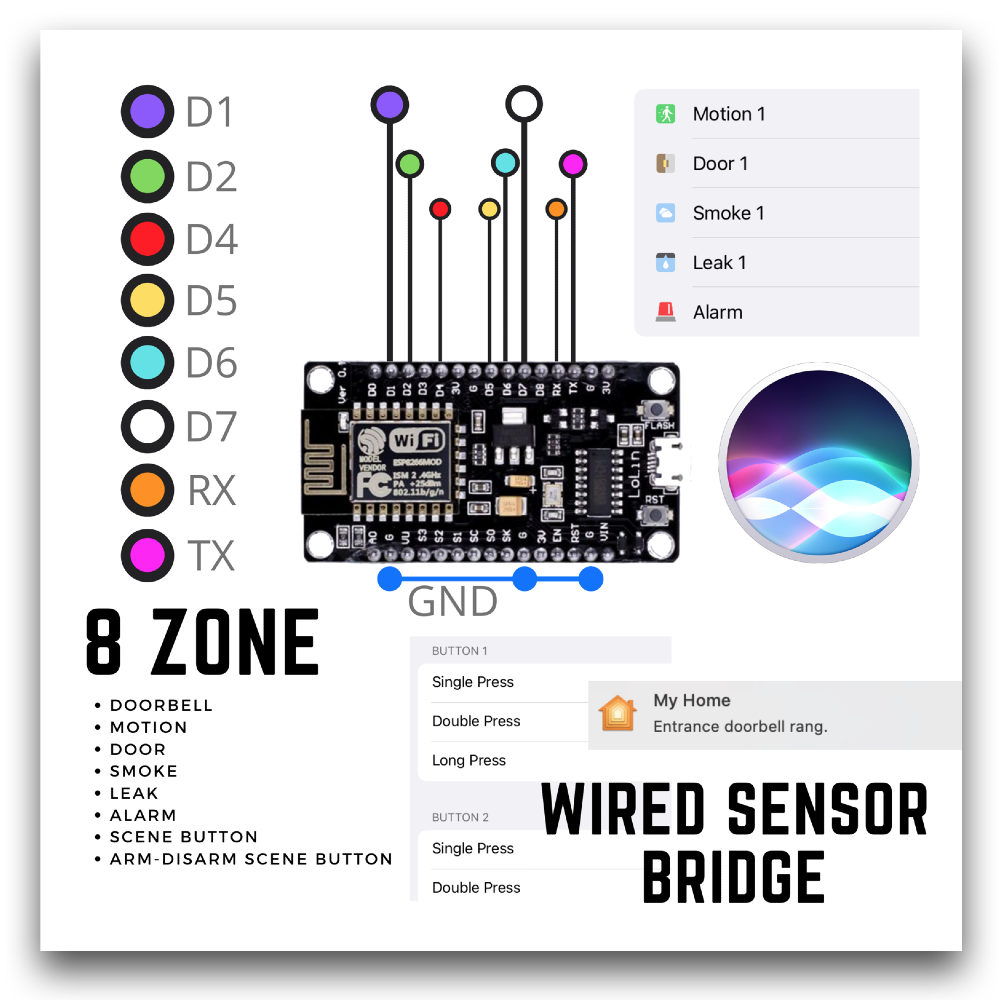
Wired Sensor Bridge (Castle Black) – 8 wired zones in Apple Home
On the desk
Your board is waiting for its firmware.
Pick one, plug in over USB, and try it tonight.

Maker Credit – Yearly
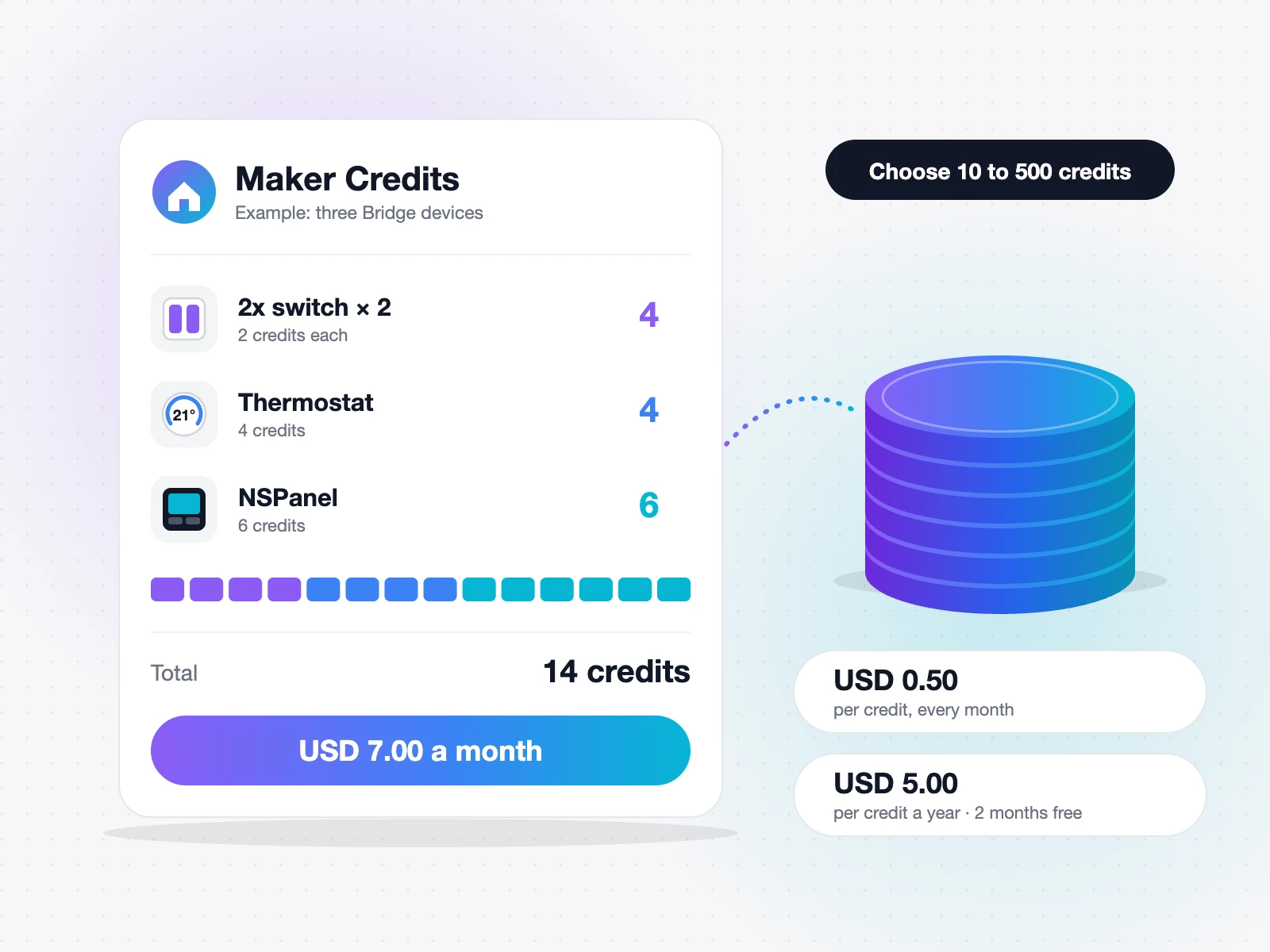
Maker Credit – Monthly
Read it
Flash it
Try it
Keep it local