Dispatch
Start here
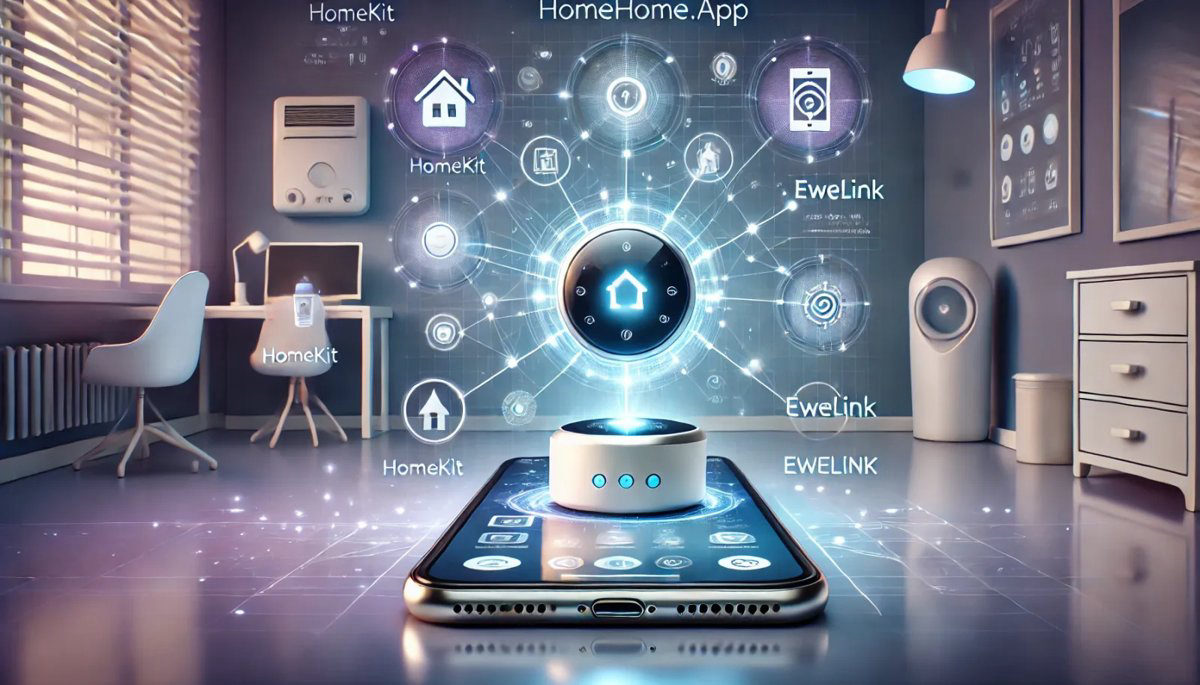
HomeHome.App turns an inexpensive Wi-Fi board into a smart device for Apple Home. You buy the board, install our firmware for free, and switch it on with Maker Credits. Here is the whole journey in four steps.
Choose what you want to build
Get the board
Install the firmware
Set it up and activate it
1. Choose what you want to build
Use your Sonoff / eWeLink devices in Apple Home

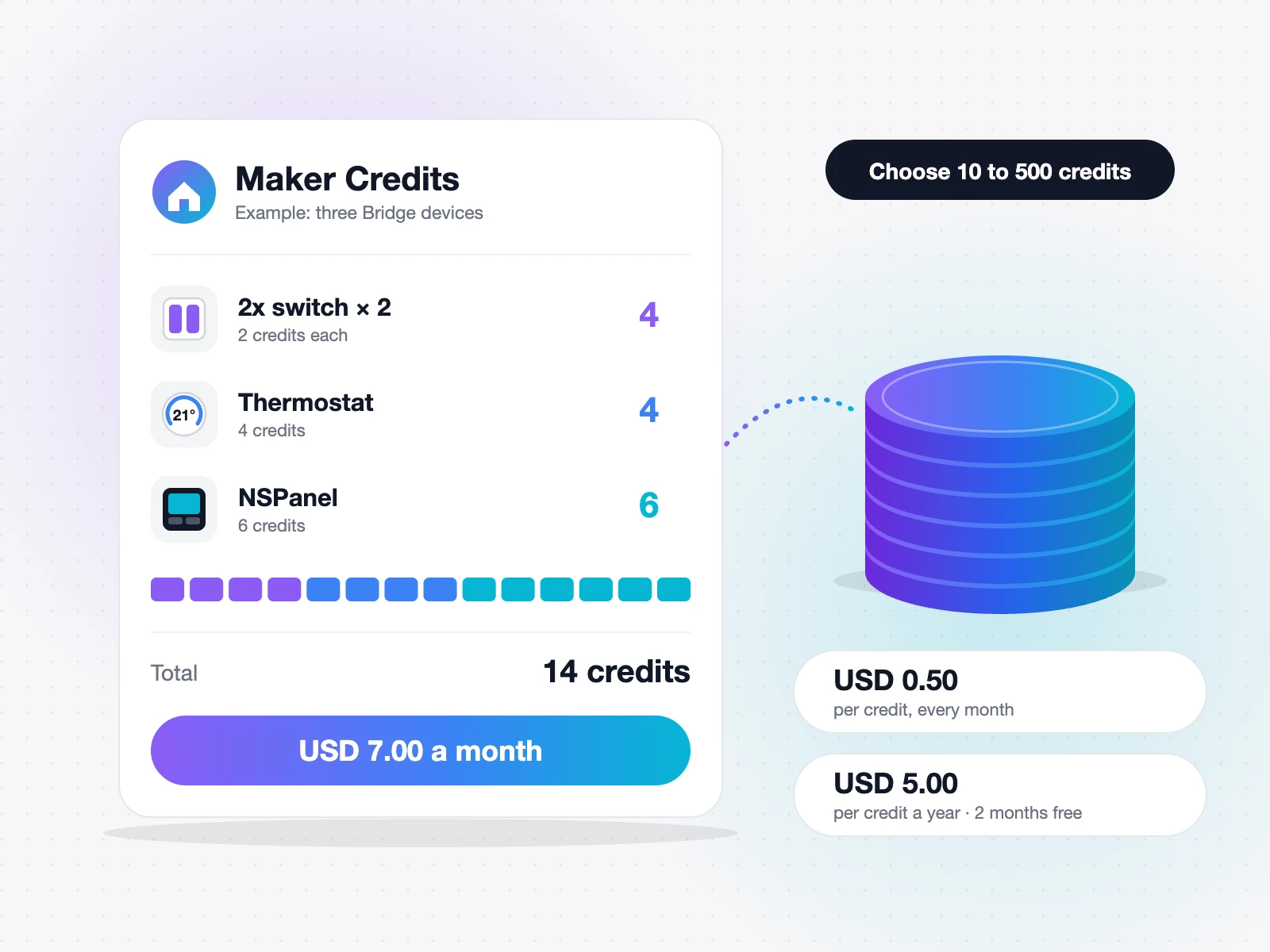
One small ESP32 board brings all your eWeLink switches, shutters and thermostats into the Home app. Each device uses 1–6 credits (at least 10 in total). Bridge guide →
Switch lights or move a roller shutter
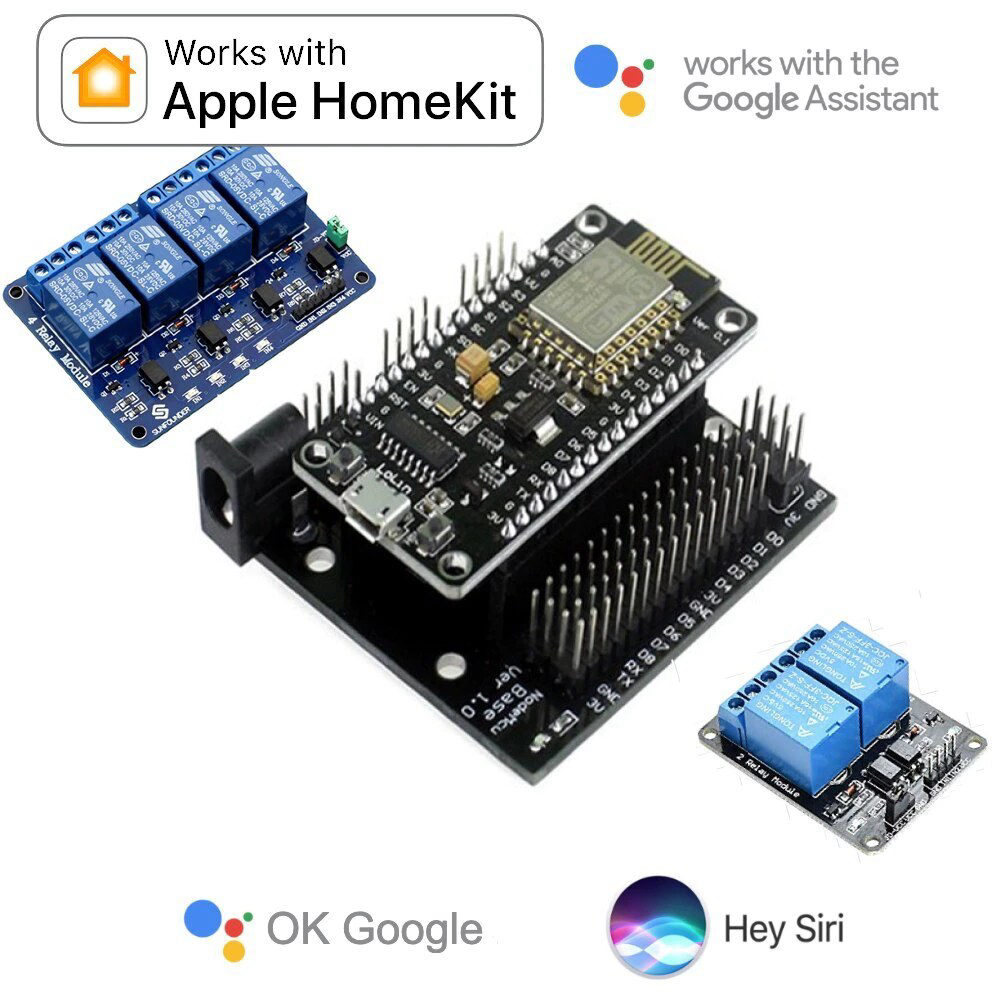
A NodeMCU board with a 1-, 2- or 4-channel relay. 1, 2 or 4 credits; a roller shutter uses 3. Relay & shutter guide →
Build a wired alarm
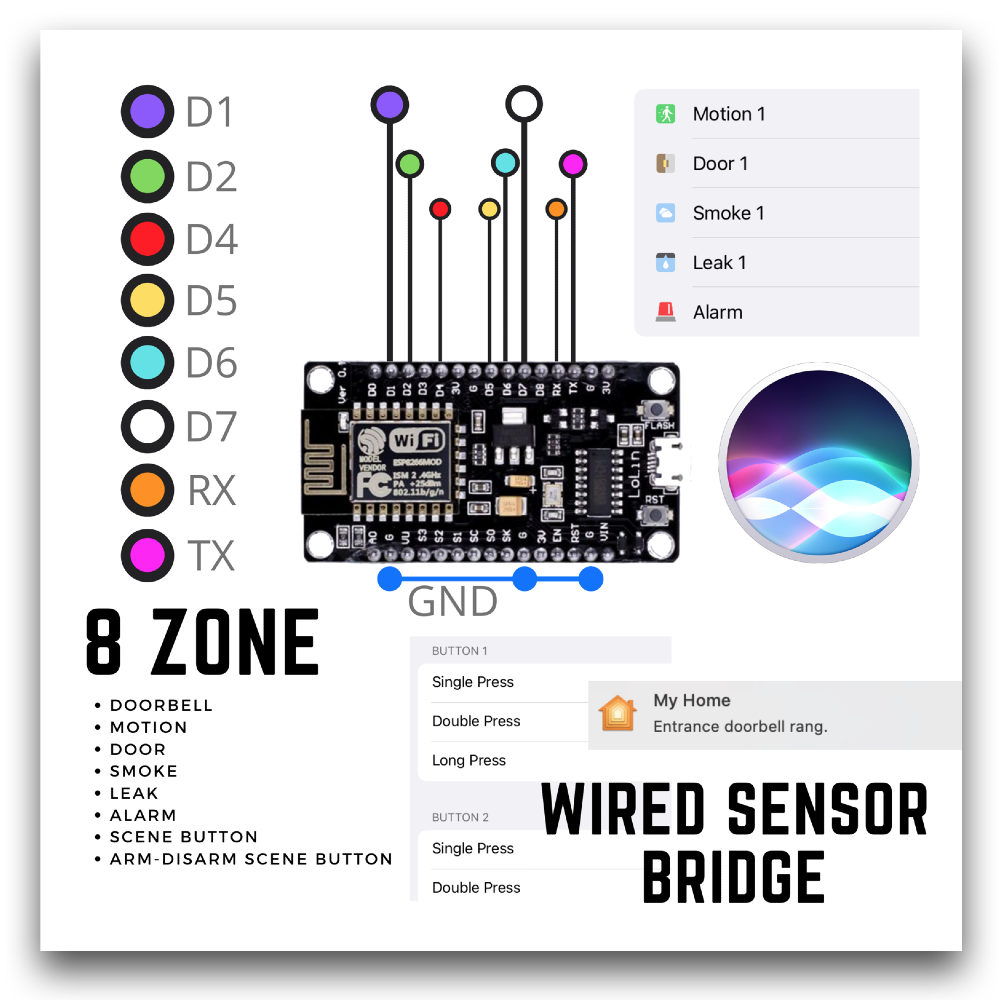
Castle Black connects up to 8 zones of wired sensors – motion, door, smoke, leak, doorbell – to Apple Home. 10 credits. Wired alarm guide →
Know your tank level
Water Level Control watches your tank, pool or aquarium with two wire pairs on an ESP32 DOIT DevKit board. When the water reaches a pair, its switch turns on in Apple Home – and in Google Home if you want. 10 credits. Water level guide →
2. Get the board
Buy the board in any electronics shop or online – the guide for your project tells you exactly which one. You also need a USB cable that carries data (some cables only charge) and a 5 V phone charger to power it.
3. Install the firmware
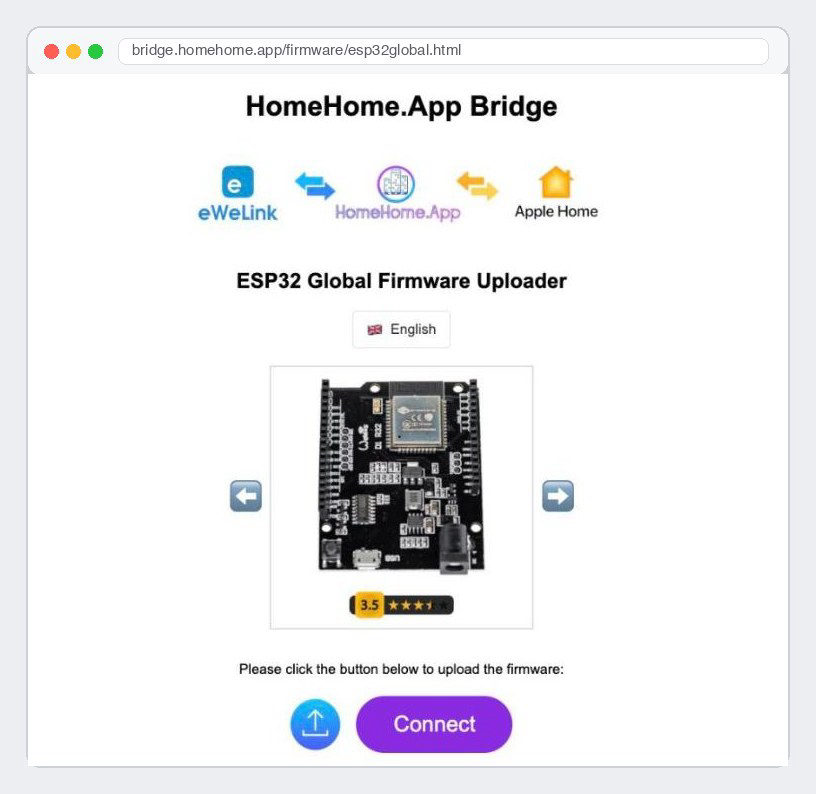
Plug the board into your computer, open the flasher in Chrome or Edge and click Install. It takes about two minutes. Find the right flasher →
4. Set it up and activate it
Wi-Fi: power the board and join its Wi-Fi network from your phone (HomeHome-… or HomeHome.App, password homehome). A setup page opens: pick your home Wi-Fi, type its password and enter your Gmail address.
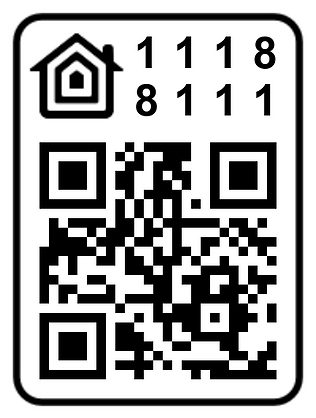
Apple Home: after the board restarts, add it in the Home app within 90 seconds with the code 111-88-111.
Activate: get Maker Credits and write your Gmail address in the order note. We add the credits to your account and your device keeps working.
Good to know
Use a 2.4 GHz Wi-Fi network.
For the Bridge and for control away from home, Apple Home needs an Apple TV or HomePod as home hub.
Keep the board powered all the time – a phone charger is enough.
Stuck? WhatsApp +44 7367 846094 (call or message) or info@homehome.app. We are happy to help.
More to read
Keep reading. The bench is still warm.
More notes on flashing, wiring and what we learned the slow way.
Firmware downloads
Wired Sensor Bridge (Castle Black) – 8 wired zones in Apple Home
On the desk
Your board is waiting for its firmware.
Pick one, plug in over USB, and try it tonight.

Maker Credit – Yearly
Maker Credit – Monthly
Read it
Flash it
Try it
Keep it local