HomeHome.App Bridge Firmware Uploader
Bridge · ESP32
Flash your Bridge in two minutes.
The HomeHome.App Bridge brings your eWeLink / Sonoff devices into Apple Home. It runs on a small ESP32 board that you buy yourself. Install the firmware from Chrome or Edge – nothing to download or install on your computer.
1. Pick your board
Three boards are supported. All of them use the same firmware.
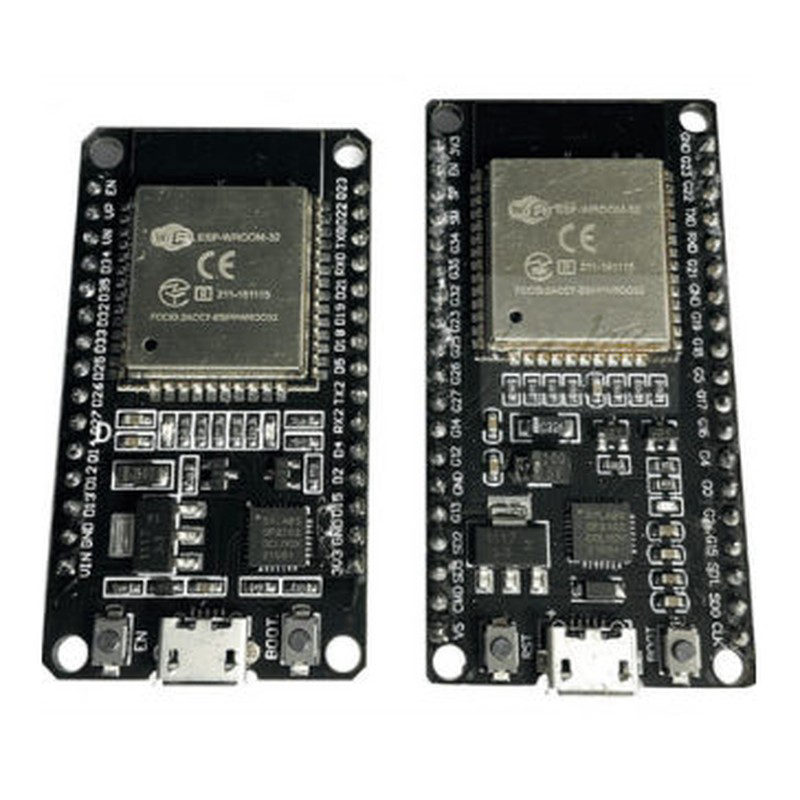 ESP32 DOIT DevKit30 or 36 pins, micro USB. Inexpensive and very stable – our first choice.
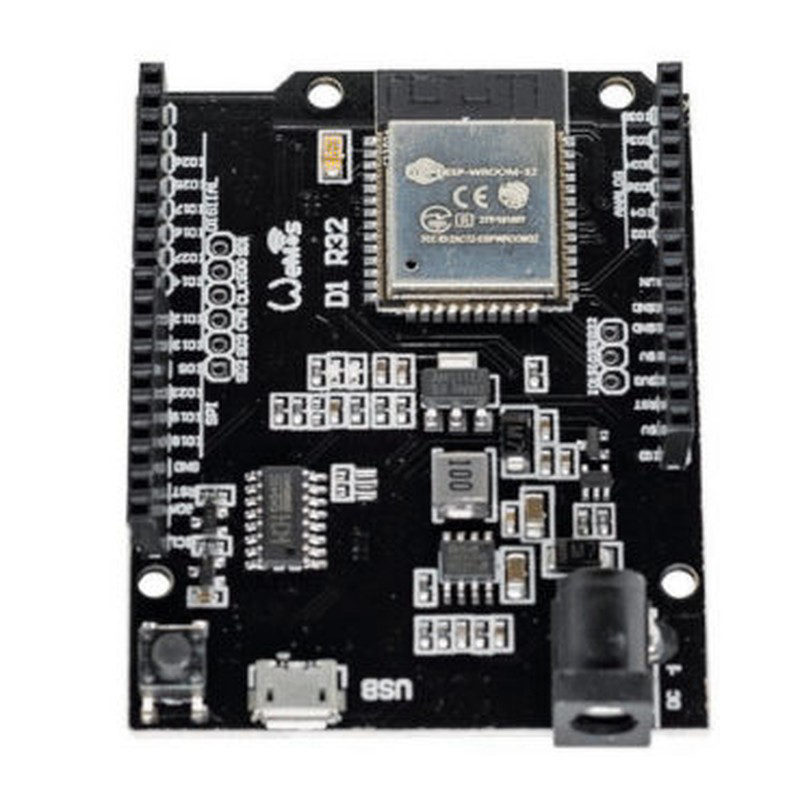 Wemos D1 R32Arduino UNO size. Power over micro USB or a 12 V DC jack.
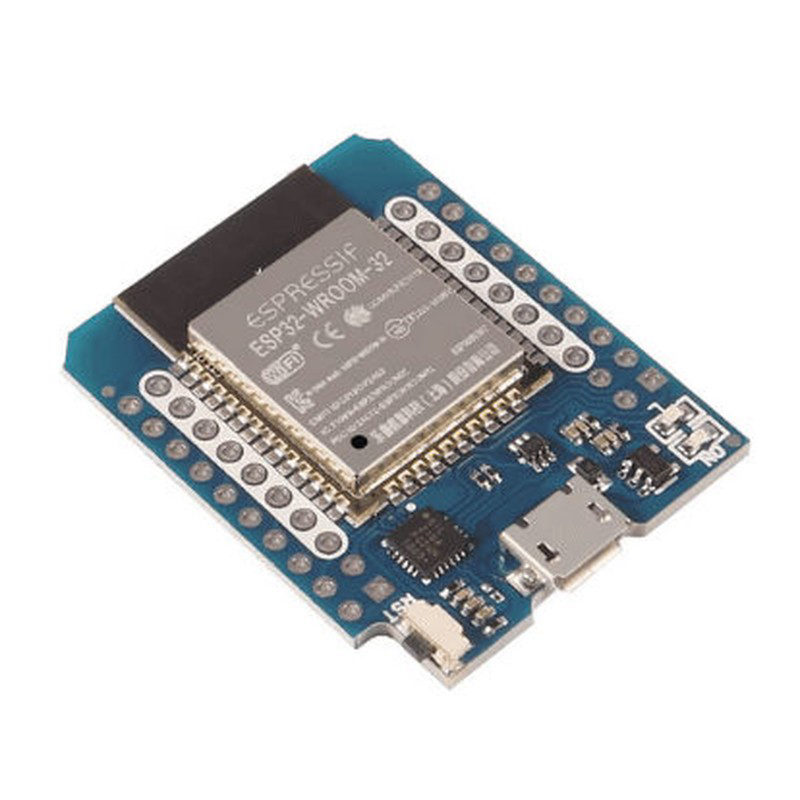 Wemos D1 Mini ESP32The smallest one. Power over micro USB.
2. Install the firmware
- Connect the board to your computer with a USB data cable – a charge-only cable will not work.
- Open the ESP32 Global flasher in Chrome or Edge on your computer.
- Click Connect, choose the board's USB port and click Install.
- Wait until the flasher says it is done – 1 to 2 minutes.
No port in the list? Try another cable or USB port, or install the USB driver for your board (CP210x or CH340 – the chip next to the USB socket). Stuck on "Connecting…"? Hold the BOOT button on the board while it connects.
3. Set it up
After flashing, connect the Bridge to Wi-Fi, create your account, link eWeLink and add the Bridge to Apple Home. You can try it free in demo mode for 24 hours, then activate it with Maker Credits.
Need help flashing?
Send us a WhatsApp message. Email: info@homehome.app.