Castle Black Wired Alarm
Castle Black · ESP8266
Your wired alarm sensors, now in Apple Home.
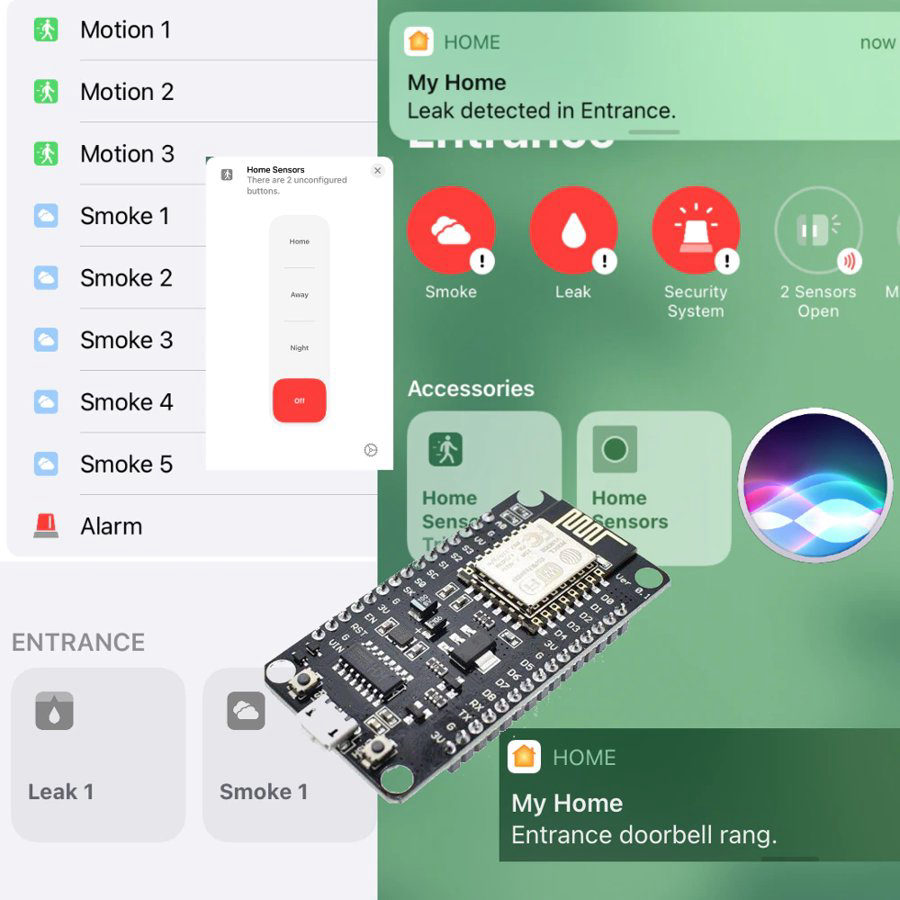
Wired motion sensors, door contacts or smoke detectors? Castle Black brings them into the Home app. You get a notification the moment something happens, and an automation can turn on the lights or a siren.
Try it free first. Castle Black starts in demo mode by itself after setup – usually for 10 to 20 on/off changes, depending on the device. Like it? Then buy Maker Credits.
What it can do
- 8 zones – one per input. Put several sensors of the same type on one zone, for example all hallway motion sensors on zone 1.
- Sensor types: motion, smoke / gas, water leak, door / window, doorbell, scene button, arm / disarm.
- Instant alerts on your iPhone, iPad and Apple Watch.
- Automations: when the alarm triggers, turn on the lights or a siren.
- Works locally – no cloud needed for Apple Home.
No hardware is shipped. You buy the board in your own country, install our free firmware from Chrome or Edge, and switch it on with Maker Credits.
Hardware
What you need
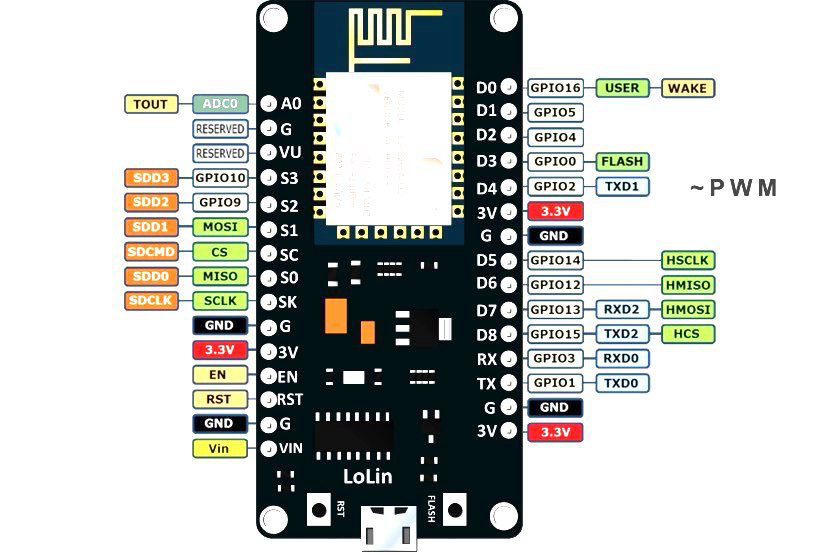 NodeMCU LoLin V3 (ESP8266)The board that runs Castle Black – the version with the CH340G USB chip.
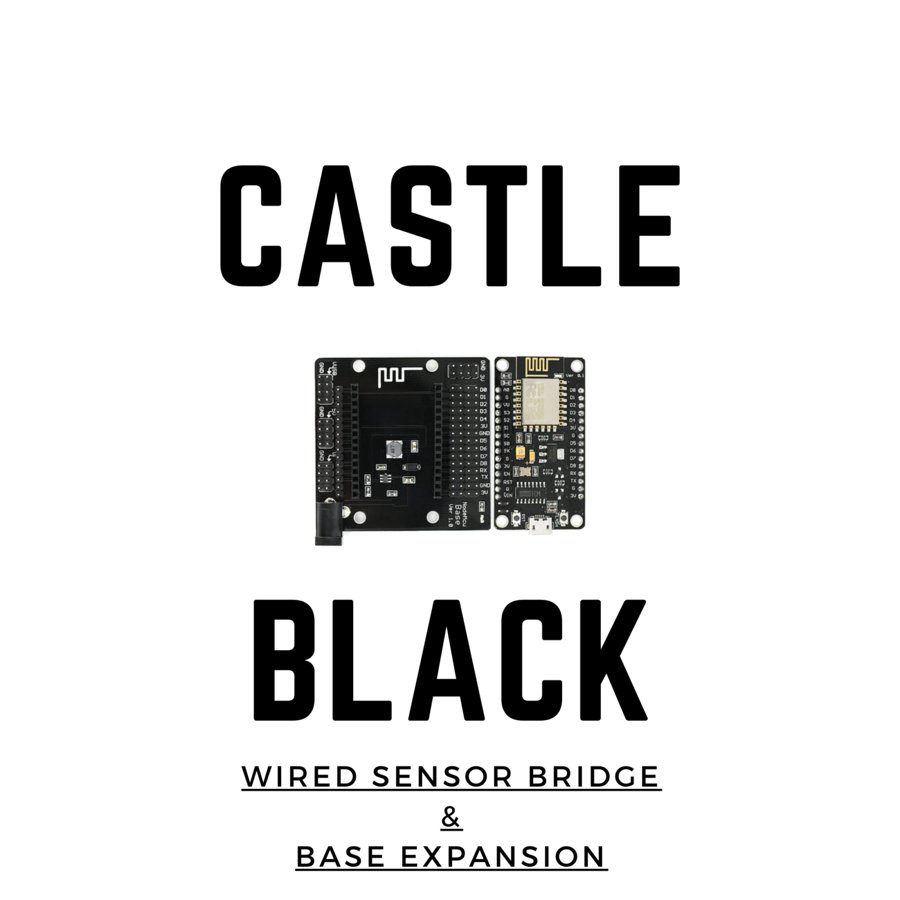 NodeMCU Base Ver 1.0The NodeMCU plugs into it. Pin headers for every input and a DC power jack.
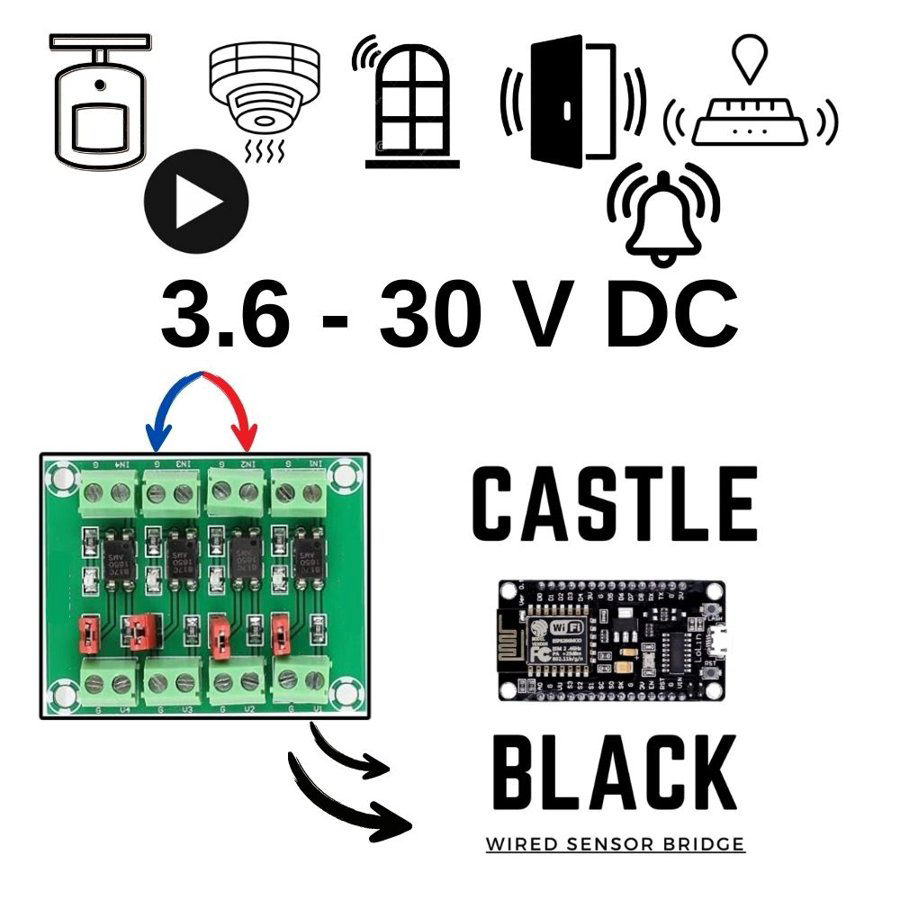 Your wired sensorsAny sensor with a dry-contact output (3.6–30 V DC).
- No dry contact on a sensor? Put a small 5 / 12 / 24 V relay in between and use its NO or NC contact.
- Power: a 5 V USB charger or power bank with at least 1 A, or a 12 V adapter in the base board's DC jack. A power bank keeps the alarm running in a power cut.
- 2.4 GHz Wi-Fi, the Home app, and an Apple TV or HomePod as home hub.
- 10 Maker Credits.
Wiring
Which pin for which sensor?
Check this before you wire. Each sensor has 2 wires: one to its pin, one to GND.
- D1, D2, D5, D6, D7, RX – every sensor type.
- D4 and TX – only motion, smoke / leak and doorbell. These pins must be free when the board starts, so never use them for a door contact or a switch that stays closed.
- D0, D3, D8 – never use.
A sensor reads the wrong way round? Turn on reversed pin for it in the settings – no rewiring needed.
Setup
Set it up in 4 steps
Do the whole setup on your desk first, then install it on the wall.
- Install the firmware. Plug the NodeMCU into your computer and open the ESP8266 flasher in Chrome or Edge. Click Connect, then Install.
- Connect it to Wi-Fi. The board makes a Wi-Fi network called HomeHome-XXXXXX (password homehome). Join it from your phone. Choose the device type Wired Sensor Bridge, type your Gmail address, then your home Wi-Fi and its password.
- Add your sensors. Type the board's IP address into a browser – you find it in your router's device list – and log in with your Gmail address. Add all sensors at once, same types next to each other: Motion, Motion, Smoke, Smoke – not Motion, Smoke, Motion.
- Add it to Apple Home. After the board restarts, open the Home app within 90 seconds, tap + and enter 111-88-111.
Free demo: after setup Castle Black runs in demo mode by itself, so you can test it before you buy. The demo usually ends after 10 to 20 on/off changes. When you have bought Maker Credits and we have added them to your Gmail account, restart the device and it keeps working.
Activate: Castle Black uses 10 Maker Credits – USD 5.00 a month. Write your Gmail address in the order note (or email info@homehome.app); we add the credits and the alarm keeps working. See your devices at smart.homehome.app. How Maker Credits work →
Good to know
Rules and tips
Can I add a sensor later?
Do scene buttons work in automations?
Where is the doorbell in the Home app?
"Setup code incorrect"
How do I keep it running 24/7?
Is there a longer guide?
Planning your zones? Ask us first.
Send us a WhatsApp message. Email: info@homehome.app.